Installing the CLI is the easy part. The annoying part is the gap between "login succeeded" and "my first real command actually came back" - and most writeups quietly skip over it. So this covers both: the clean install on macOS, Linux, or Windows, and the network step that decides whether your first agent run finishes or just sits there spinning.
Everything below is in the order I'd run it on a machine that has nothing installed yet. Two readers in mind: someone trying it for the first time, and whoever has to make the same setup behave identically across a team where half the laptops are nowhere near the servers.
Check the runtime before you touch the installer
Most failed installs are not exotic. They're a Node version that's too old, or an account that can't actually run the tool.
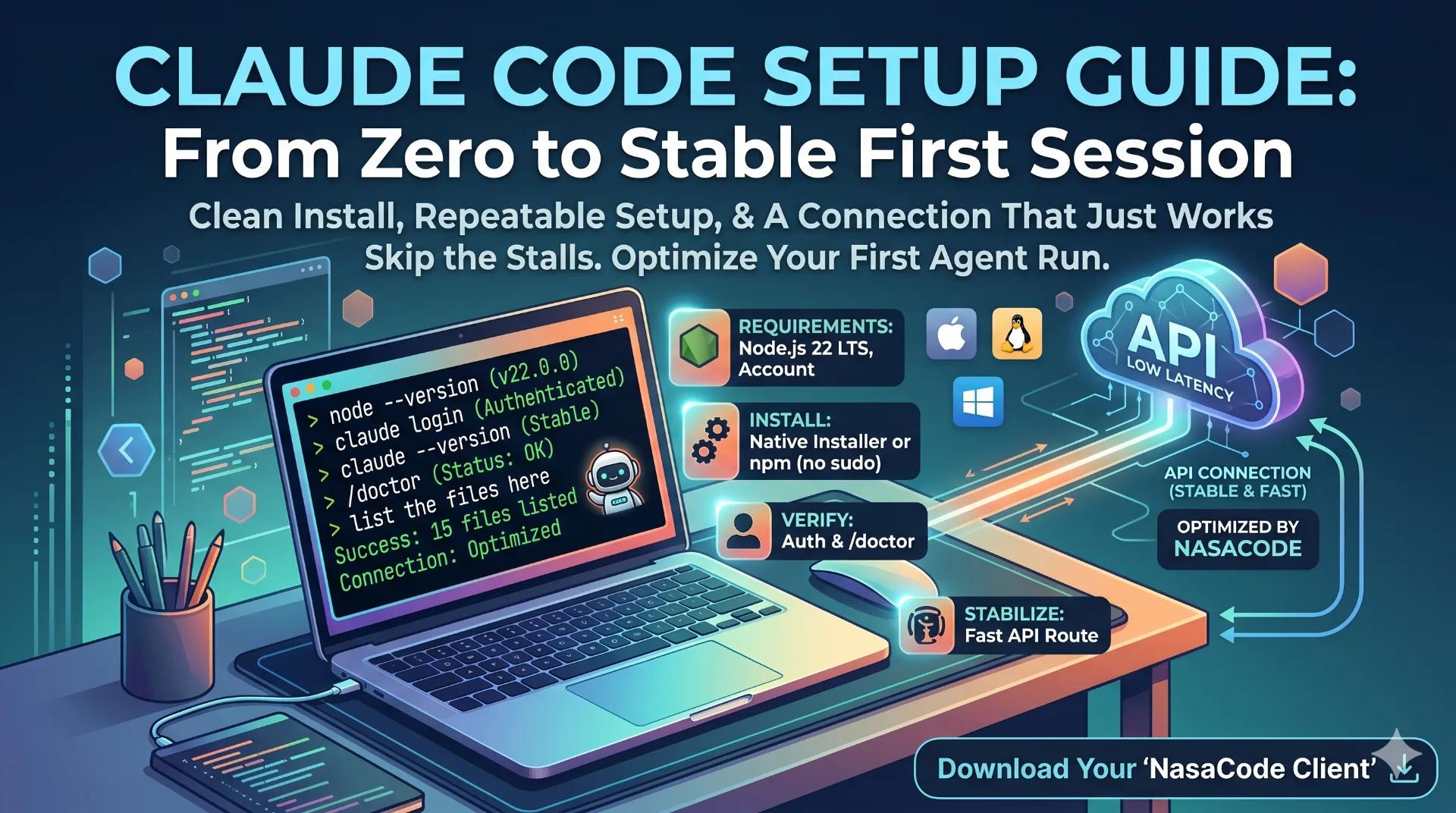
The npm package wants Node.js 18 or newer. Node 22 LTS is the safe pick - it's been around long enough that the rough edges are gone. Run node --version and confirm before anything else. You also need a qualifying paid account; this is not part of the free web tier, and people regularly get all the way to the login screen before discovering that.
Two minutes here saves an afternoon of debugging an install that was never going to work.
npm or the native installer
There are two routes, and they suit different situations.
The native installer pulls in no dependencies and quietly updates itself. On a single workstation that's the path of least resistance, and it's what I reach for first. The npm route - npm install -g @anthropic-ai/claude-code - is the better fit when you're already managing Node toolchains and want the install to live alongside them.
One thing trips people up on the npm path more than anything else: do not put sudo in front of that command. If you hit a permissions error, the fix is a Node version manager like nvm, not root. Installing globally as root is the single most reliable way to wedge your setup, and the error it throws looks scarier than the actual cause.
If a permission error already happened
Don't fight it with more privileges. Reinstall Node through nvm so the global package lands in your own user space, then run the install again without sudo. The error goes away because the directory it was failing to write to is now yours.
First run: log in, then prove it works
Start the tool with claude and follow the login prompt. Authenticating is necessary but it doesn't tell you the install is healthy, so check a couple of things.
- Run
claude --versionto confirm the binary is actually on your path. - Inside a session, run
/doctor. It flags configuration problems early, which is far better than tripping over them mid-task. - Give it something trivial - "list the files in this directory" - and watch the round trip complete.
If that small request comes back cleanly, your install is sound. If login works but that first real request hangs, the install isn't your problem. The next section is.
Why the first agent run stalls even when nothing is wrong
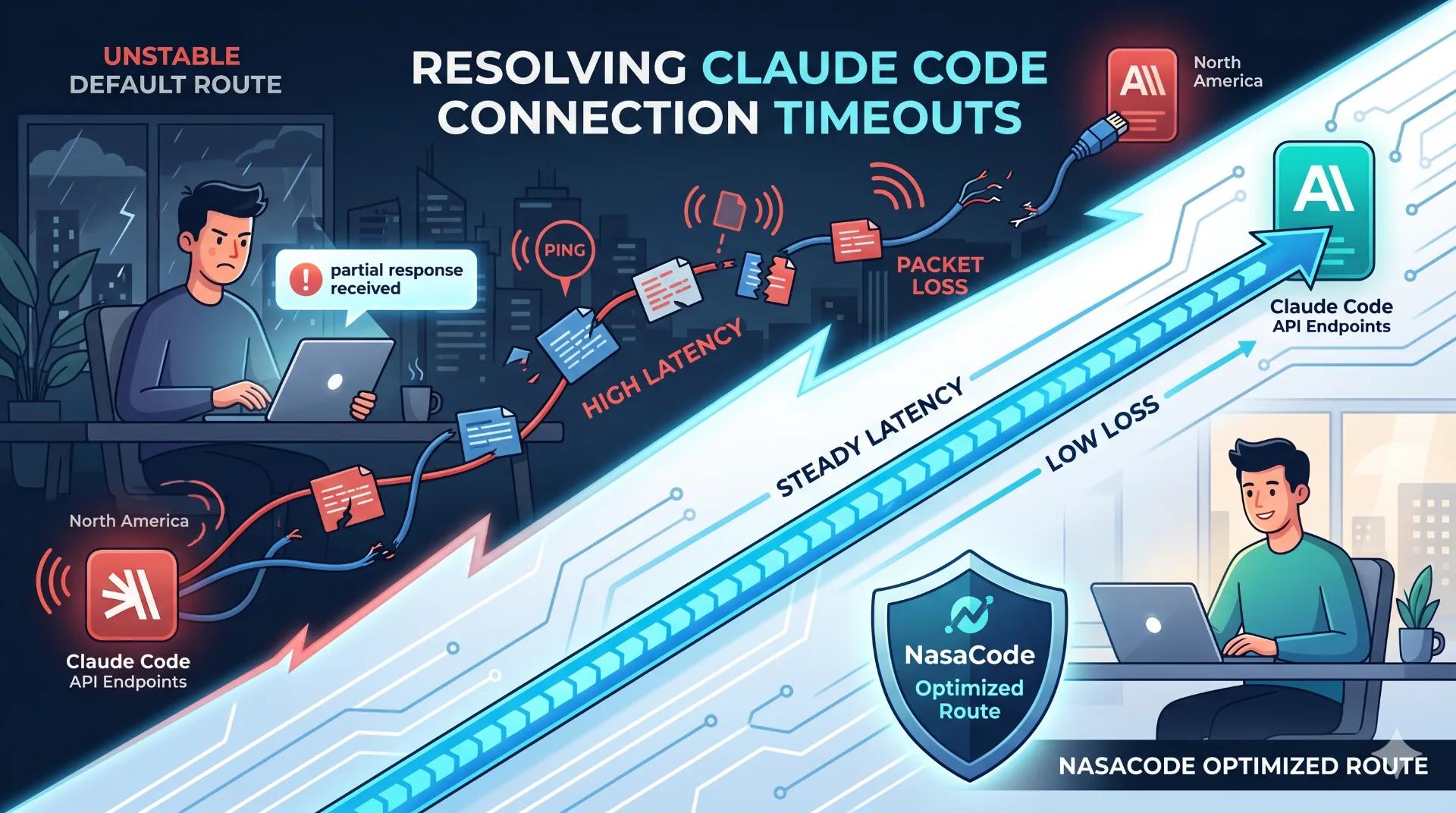
A fresh install can pass every check above and still feel dead on the first command. The reason is the route to the API, not the binary on your disk.
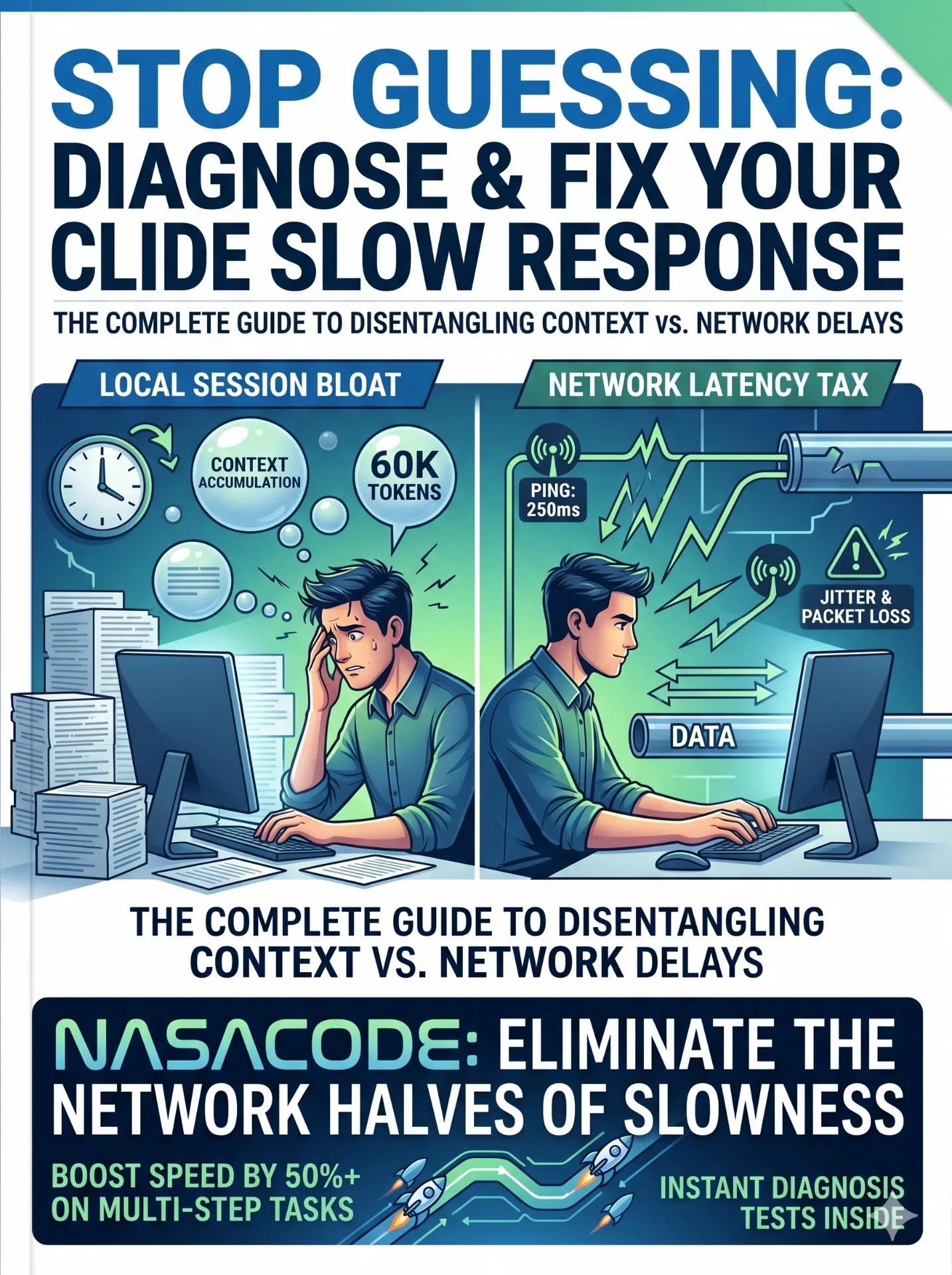
An agent run isn't one request. It's a chain of them, back and forth, and a single slow or lossy hop is enough to make the whole thing look frozen while it's actually just waiting. The further you sit from the endpoints, the more those round trips add up. This is exactly why setup that works flawlessly on a machine near the servers crawls on a laptop a continent away.
Check your baseline first. Ping the API host and look at the latency. If it's high or jumpy, the connection is the bottleneck and no amount of reinstalling will fix it. Routing that traffic through a low-latency path is what evens it out - NasaCode runs developer-tuned nodes for this, so a new install behaves the same whether you're next to the servers or on the other side of the world.
The four install paths at a glance
| Method | Dependencies | Updates | When to use it |
|---|---|---|---|
| Native installer | None | Automatic, in the background | A single workstation; the fastest clean start |
| npm global | Node.js 18+ | Reinstall to update | You already run Node toolchains. Never use sudo |
| Version-manager (nvm) | nvm or similar | Manual, isolated per version | Several Node versions on one machine, or recovering from a permission error |
| Any of the above plus a routed connection | As above | As above | You're far from the endpoints and the first run keeps stalling |
Questions that come up
Can I run this on the free plan?
No. It needs a qualifying paid plan or console access. Confirm the account first so you don't hit a wall at the login step.
My npm install died with a permission error. Now what?
You almost certainly ran it with elevated privileges or against a Node owned by the system. Reinstall through a version manager, drop the sudo, and try again. The package then installs into your user space and the error disappears.
It installed and logged in fine, but my first command just hangs.
That's a connection problem, not an install problem - the two failure modes look identical from the terminal. Test latency to the API host. If it's high, your route is the bottleneck, and an optimized path lets that first run finish instead of timing out.
Native installer or npm for someone brand new?
Native installer. Less to think about, nothing to manage. Only move to npm or nvm when you have a concrete reason, like juggling multiple Node versions across projects.
Putting it together
A clean setup is really four moves, not the one-liner the install command implies: check the runtime, pick the install route that fits your machine, log in and prove it with a throwaway prompt, and make sure the path to the API is steady before you start leaning on it. Get the first three right and skip the fourth, and a perfect install can still feel broken the moment you ask it to do something real.
If you've already chased a stalled first run more than once, it's worth sorting out the connection up front. You can grab the NasaCode client alongside your install and hand that first session - and the hundred after it - a connection that doesn't get in the way.